Deploying Electronic Work Orders to Drive Office Automation
Don't let admin bottlenecks stall your cash flow. Learn how deploying electronic work orders automates dispatch, tracking, and billing.
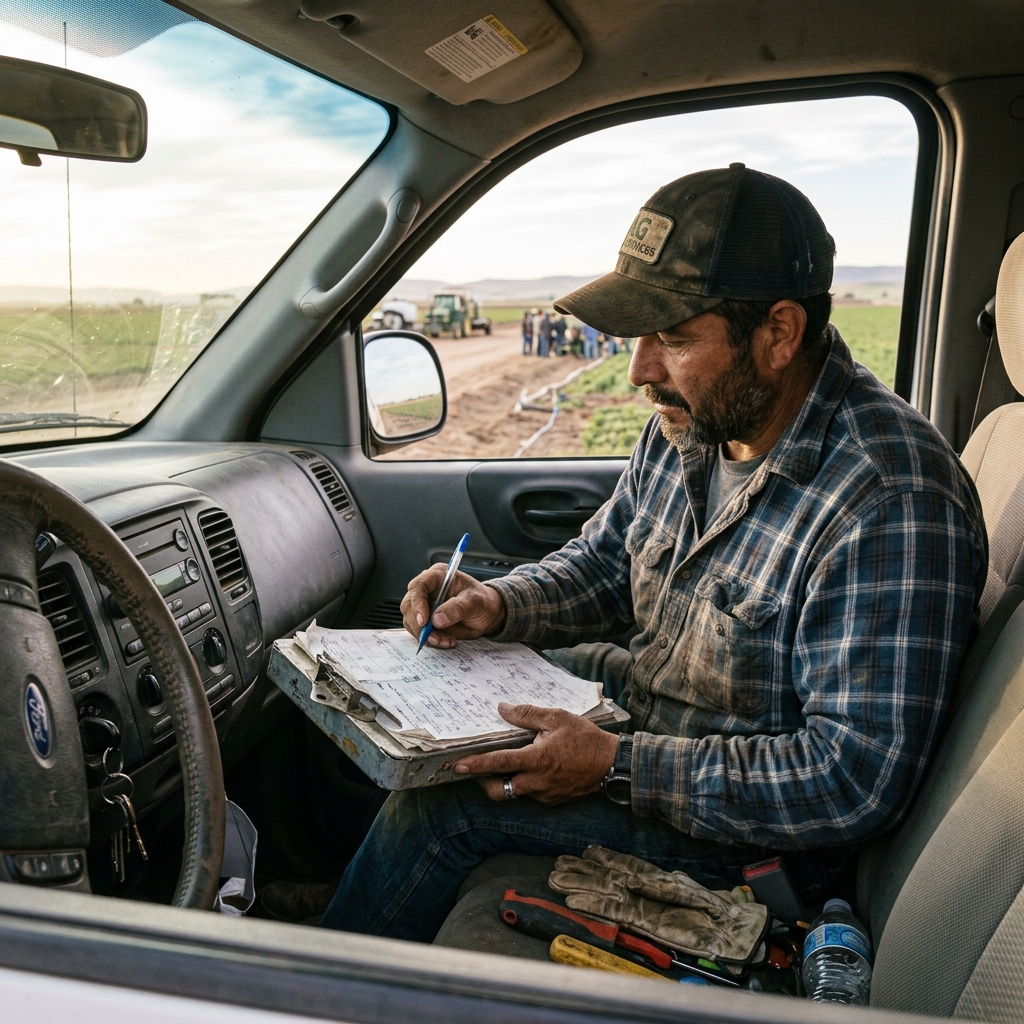
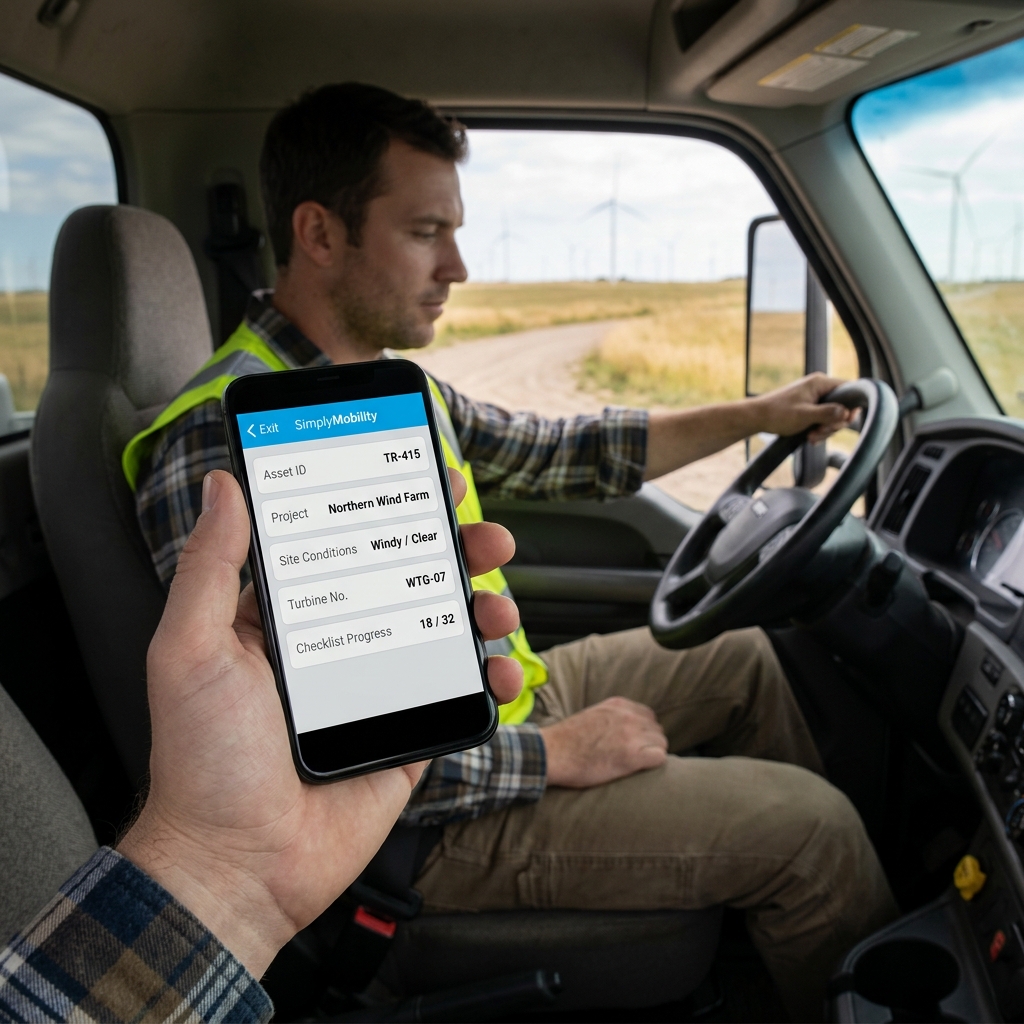
The Silent Killer of Admin Efficiency
When you replace paper work orders with electronic versions (like fillable PDFs), you think you've solved your admin burden. But paperless without connected workflow just creates digital admin work. If someone in the office still has to read the electronic sheet and retype those hours and parts codes into QuickBooks, you have not fixed the problem—you just changed the layout.
Duplicate entry is the silent killer of administrative efficiency. The day is work and the evening is paperwork, and your office manager spends hours searching folders and matching text message photos instead of scaling the business.
Watch: Uncle Steve Explains
Learn how modern, connected mobile workflows eliminate handwriting errors and administrative double-entry.
Read Video Transcript▼
Great Day! Uncle Steve here, and if you want to streamline field operations and get paid faster, implementing electronic work orders is the ultimate solution. Your dispatcher is juggling phone calls, a whiteboard, maybe a software tool that's half-adopted — and your techs are calling in asking where they're going next. Dispatch and scheduling shouldn't be this hard, but for a lot of shops, it still is.
The problem isn't usually the dispatch tool itself — it's that the information the dispatcher needs is scattered. Job details on paper. Customer history in someone's head. Parts availability in a spreadsheet.
Simply Connected Systems connects the field data to your dispatch workflow so your dispatcher sees what they need in one place. Job status, completion data, parts used — it flows in from the field without phone calls and without rekeying. Fill out the form below. Show us what your dispatch process looks like today, and we'll show you the gaps we can close.
Connected Workflow vs. Email Forms
A connected system ensures that field details map directly into back-office databases. When a technician submits a job, the billing system is populated automatically.
A truly automated system offers:
- Direct Database Sync: Eliminates manual rekeying of client and parts details.
- Conditional Field Rules: Enforces data quality (e.g., matching photo to work order).
- Offline Local Storage: Enforces field compliance even in poor cellular zones.
This connected handoff cuts billing lag from days to minutes, improving cash flow and reducing clerical errors.
Get a Live Workflow Prototype
We do not expect you to buy a promise. We believe in providing working prototypes so you can experience a connected system first-hand. Send us your messiest electronic or paper form, and we will build a mobile client prototype of your actual workflow for free.
Learn how to connect your systems by reading our guide on what is a work order or see our operations guide on transitioning to digital work orders.
Customer Success Story
"Simply Connected Systems automated our entire field dispatch and invoicing loop. What used to take our office team 8 hours of rekeying every Monday now happens instantly as jobs are finished."
— Brenda Patterson, Office Manager at Patterson Electrical Services
Request a Free Connected Prototype
Send us your paper or PDF work order forms. We will build a functional mobile application prototype of your workflow, free of charge.
Request a Free PrototypeFrequently Asked Questions
Why is email-based data transfer not considered true automation?
Because it still requires an office administrator to read the email and manually type the details into your dispatch or billing database, maintaining the duplicate entry burden.
Can these automated systems operate in offline areas?
Yes. Simply Mobility clients cache field data on the device, uploading automatically as soon as a cellular signal is established.
Published by Uncle Steve, Operations Consultant at Simply Connected Systems.
We Will Build Your Connected Workflow Prototype For Free
Describe your biggest workflow bottleneck or upload your messiest form. We will build a functional, connected mobile app and dashboard prototype so you can experience it live before you spend a single dollar.