What is a Work Order and How to Use it Effectively
New to operations? Discover what is a work order, why paper-based systems create bottlenecks, and how to build a connected workflow.

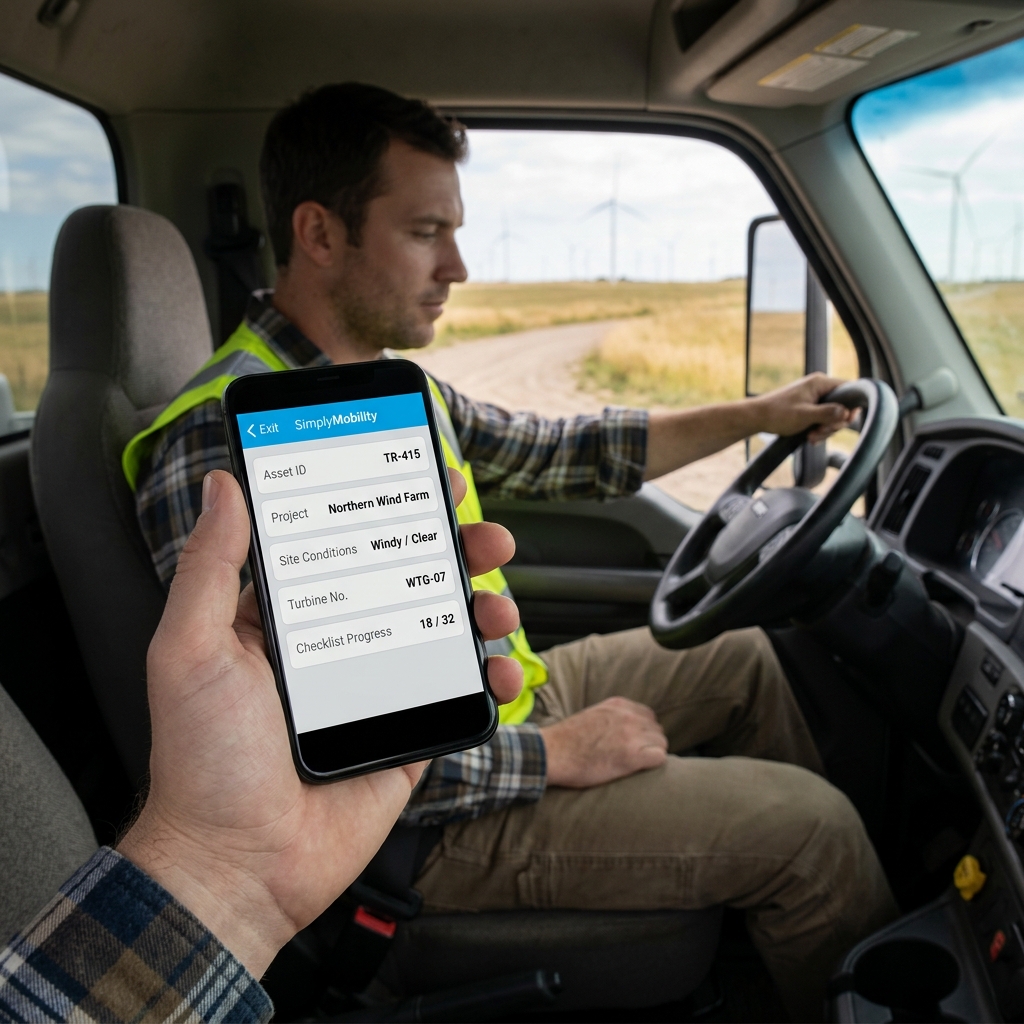
What Is a Work Order and Its Purpose?
A work order is a formal document that authorizes, describes, and tracks a field job. It acts as the bridge between customer request, dispatch, material tracking, and final invoicing.
Whether you manage HVAC technicians, handymen, or industrial contractors, the work order outlines exactly what needs to be done, lists the parts used, captures site signatures, and records labor timesheets. In field operations, this document is the source of truth for every job.
Watch: Uncle Steve Explains
Learn how modern, connected mobile workflows eliminate handwriting errors and administrative double-entry.
Read Video Transcript▼
Great Day! Uncle Steve here, and if you want to streamline your field service operations, what is a work order is the first thing you need to master. A work order is the lifeblood of your service operations, authorizing work, tracking hours, and detailing parts. If that vital document is on a paper clipboard, it's vulnerable.
Simply Connected Systems digitizes your work orders. Track progress in real-time and eliminate double data entry.
Keep field operations moving smoothly with smart, digital work orders.
Why Paper Work Orders Are a Profit Leak
Many business owners believe that if they compile a job PDF and email it, they are operating efficiently. But paperless is a lie if the office team has to play detective at the end of every day.
If you are rekeying the same customer info from a digital notepad into a dispatch system and then again into QuickBooks, you have a duplicate entry problem. The paper disappeared, but the admin stayed. Administrative burden remains, and you are paying for the work once but doing the bookkeeping twice. The day is work and the evening is paperwork—and that is a massive profit leak.
Building a Connected Workflow
We are not a forms company. We are a connected workflow company. The form is not the solution—the connected workflow is. Simply Connected Systems builds systems that link field technicians directly to back-office databases, so data flows without manual intervention.
We do not sell promises; we provide working prototypes. If you want to see how we eliminate duplicate data entry, show us your messiest form and let us build a live, functional mobile prototype for your team at no cost.
Find out more about structuring your operations by reading our guide on structuring a professional work order format or see our service page on eliminating double data entry in field service.
Customer Success Story
"Before working with Simply Connected Systems, we were losing hours matching work orders to photos. Now, the app links everything to the dispatch record automatically. Our billing lag went from 5 days to 5 minutes."
— Carl Jenkins, Operations Director at Jenkins Fire and Safety
Request a Free Connected Prototype
Send us your paper or PDF work order. We will build a functional mobile prototype of your actual workflow for free.
Request a Free PrototypeFrequently Asked Questions
What is the difference between a work order and an invoice?
A work order authorizes and details the work to be completed, while an invoice requests payment from the client based on the completed work order details.
How does a connected work order speed up invoicing?
The moment the field technician taps submit on the mobile client, the data maps directly to billing fields, allowing the office to build the invoice instantly.
Published by Uncle Steve, Operations Consultant at Simply Connected Systems.
We Will Build Your Connected Workflow Prototype For Free
Describe your biggest workflow bottleneck or upload your messiest form. We will build a functional, connected mobile app and dashboard prototype so you can experience it live before you spend a single dollar.