How to Structure a Professional Work Order Format
Scribbled notes and confusing layouts delay billing. Build a professional work order format that connects field technicians directly to the office.
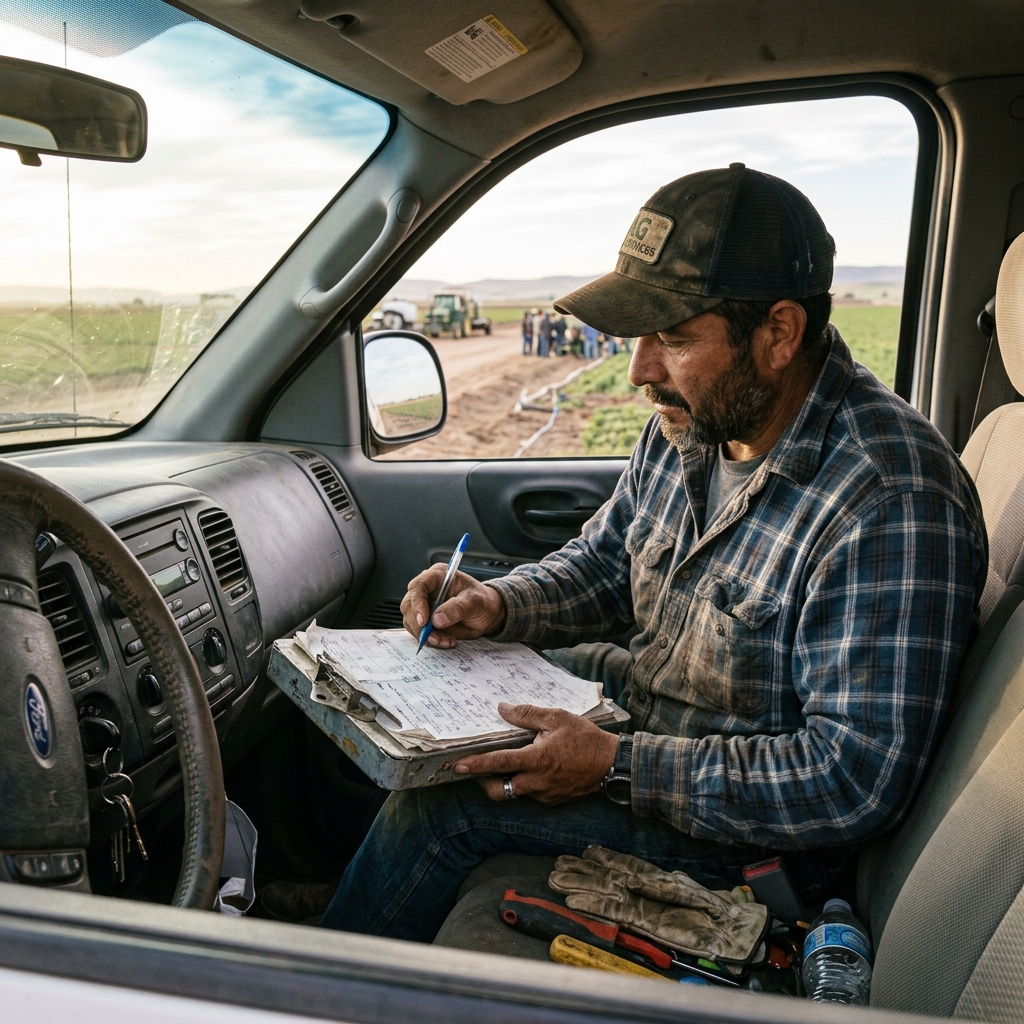

Essential Elements of a Professional Work Order
A professional work order format must align field inputs with office database schemas. If your technicians are entering data into free-text boxes, your office will waste hours resolving spelling differences, parsing parts codes, and chasing down site details.
A high-converting, standardized format needs structure:
- Unique Work Order ID: Automatically generated to map back to scheduling.
- Customer & Site Address: Locked fields pulled directly from customer profiles.
- Standardized Line Items: Dropdowns for pre-approved parts and labor categories to avoid spelling and description chaos.
- Signature & Photos: Conditional uploads that block submittal if required fields are blank.
There is nothing in the paper world that we are not able to emulate in a connected way. Emulating your paper layout while adding back-end validations prevents the reconstruction trap.
Watch: Uncle Steve Explains
Learn how modern, connected mobile workflows eliminate handwriting errors and administrative double-entry.
Read Video Transcript▼
Great Day! Uncle Steve here, and if you want to streamline field reporting and protect your liability, digitizing your work order format is the ultimate solution. The right work order format is critical for capturing job details, parts used, and customer approvals. Standard paper forms are rigid and hard to read.
Simply Connected Systems lets you build custom work order formats for mobile devices. Update fields instantly and sync data directly to the office.
Create the perfect work order format for your unique business needs.
How Bad Layouts Create Profit Leaks
When technicians use poorly structured paper or digital forms, critical details fall through the cracks. They forget to list the extra copper parts, or they write the serial number down wrong. By the time the invoice is built, it's incorrect, leading to client disputes and payment delays.
This is a workflow problem, not a people problem. The day is work and the evening is paperwork because the system forces duplicate entry. When you require office teams to rekey records twice, you build an administrative bottleneck that eats margin.
Your team should not be playing detective. A connected format ensures that clean data flows to billing immediately.
Streamline Your Field Handoff
At Simply Connected Systems, we believe in demonstrating value rather than selling software packages. We build functional prototypes of your actual work order layout for free, showing you how your field data can auto-populate accounting systems without double entry.
Find out how we solve field data bottlenecks by reading our post on transitioning to digital work orders or see our service page on ditching handwritten clipboards.
Customer Success Story
"Standardizing our work order format on Simply Mobility cut our invoice disputation rates to zero. Technicians can't submit jobs without capturing the signed pre-authorization, and the parts list matches our inventory database exactly."
— Rebecca Vance, Chief Operations Officer at Vance Mechanical
Request a Working Prototype of Your Format
Send us your current PDF or paper work order. We will transform it into an automated, connected workflow prototype at no cost.
Request a Free PrototypeFrequently Asked Questions
Why are validation rules important in a work order format?
Validation rules ensure that crucial information like parts codes, safety checkmarks, and client signatures are input correctly before the technician leaves the job site.
Can we map our custom parts inventory to the work order layout?
Yes. Simply Mobility pulls your custom parts database directly into dropdown fields, preventing technicians from inventing their own descriptions.
Published by Uncle Steve, Operations Consultant at Simply Connected Systems.
We Will Build Your Connected Workflow Prototype For Free
Describe your biggest workflow bottleneck or upload your messiest form. We will build a functional, connected mobile app and dashboard prototype so you can experience it live before you spend a single dollar.