Service Channel Work Order Integration Guide | Simply Connected Systems
service channel work order integration is the easiest way to solve contractor double entry bottlenecks. Request a free demo of Simply Connected Systems today.
Implementing a hands-free service channel work order integration is the most direct way to eliminate manual field data entry and speed up contractor billing cycles.
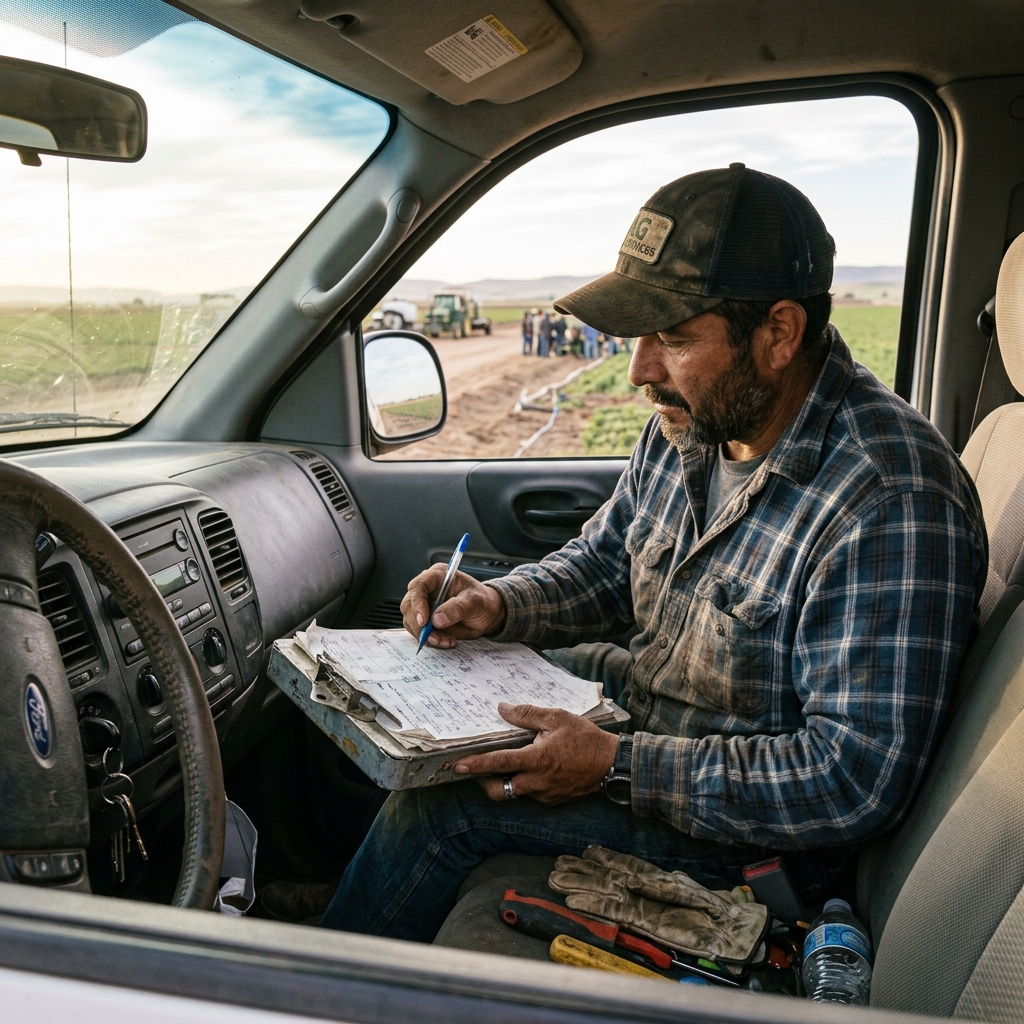
If your team works with major national big-box stores or commercial retail accounts, you already know the drill. They dispatch jobs through a portal, and you complete the work. But the administrative loop back at the office is where the real bottleneck lies. When technicians capture job logs on disconnected forms or paper sheets, your office staff spend their late nights matching photos, rekeying details, and rebuilding invoice records. The paper disappeared, but the admin stayed. Fix that.
"Paperless is a lie if someone in the office still has to read a digital form and copy the data into your accounting software. True efficiency is a connected handoff."
The Closed-Loop Automation Cycle
When you connect your dispatch board directly to national portals, you eliminate duplicate entry and remove the office admin bottleneck entirely. Our customer uses Simply Connected Systems for Work Order Field Management, and we feed the data directly into the client's portal without any human intervention. Here is how the complete, closed-loop hands-free automation workflow operates:
- Intake: Work orders flow directly from the customer's portal into the ServiceChannel system, and then immediately sync into your Simply Connected Systems database.
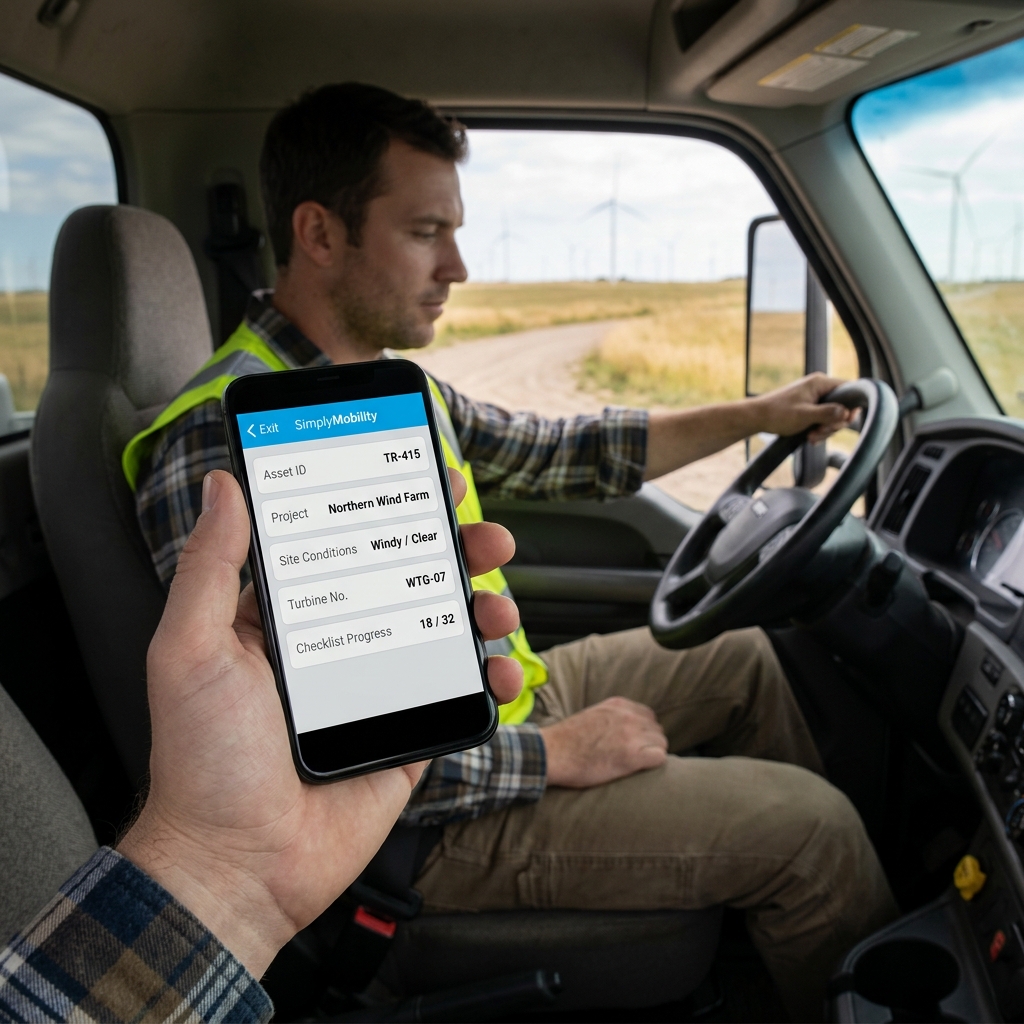
- Dispatch: The job is dispatched to subcontractors or field technicians, who receive the ticket on their mobile client. They execute the field work, capture high-resolution photos, and collect digital signatures on-site.
- Invoicing: The moment the field technician taps "Submit," a draft invoice is automatically created and sent directly to your QuickBooks Online account.
- Approval: The completion photos, signature coordinates, and work verification logs flow automatically back into the customer's portal, requesting client sign-off and payment approval.
- Settlement: Once the client makes the payment through the portal, the transaction settles and matches the invoice in QuickBooks Online automatically.
No phone calls. No rekeying. No manual data reconstruction. This is how you run a connected field service business.
Watch: Uncle Steve Explains
Learn how modern, connected mobile workflows eliminate handwriting errors and administrative double-entry.
Read Video Transcript▼
Great Day! Uncle Steve here, and if you want to eliminate double entry, setting up a servicechannel work order integration is the ultimate solution. If your field crews are working with national retail accounts, you know how they dispatch jobs through portals. Service Channel is a standard. But back at your office, managing that service channel work order integration is a bottleneck. Your technician finishes the work on-site, and then your administrator spends their evening copying and pasting data from a text message or a disconnected field form into your accounting software and back into the portal. The paper disappeared, but the admin stayed. Fix that.
The 5-Step Hands-Free Workflow Details
Many commercial service businesses fail to scale because they treat dispatch, field capture, client reporting, and bookkeeping as separate silos. This disconnected workflow creates a massive admin burden. By implementing a dedicated servicechannel work order automation, you establish a single, unified database transaction that connects every phase of the job.
First, the client dispatches a work order. Second, the system assigns the subcontractor based on geographic zone. Third, the subcontractor uploads proof of work. Fourth, the system updates the portal with completion proof. Fifth, the accounting ledger is settled. Each step executes in sequence, maintaining absolute data integrity. If you want to learn more about the costs of duplicate entry, check our guide on manual data entry or see how to streamline on-site operations with a field inspection app.
"We are not a forms company. We are a connected workflow company. The form is not the solution. The connected workflow is."
Why Contractors Need Connected Integrations
Contractors working with big-box retailers like Lowe's face strict service-level agreements (SLAs). If you submit a completion report late, or miss a required photo of the repaired asset, the client rejects the invoice. Retrying a submission means logging into the portal, re-uploading files, and chasing info from the field team. This lag stretching from weeks to months represents a massive profit leak.
Connecting your systems directly allows you to monitor and meet every SLA without manual follow-up. The data captured by the technician's mobile client matches the required schema fields of the portal, validating inputs before submission. This ensures first-time-right reporting and faster payment releases.
Frequently Asked Questions
Can we dispatch to subcontractors who aren't on our payroll?
Yes. The mobile client allows you to onboard subcontractors quickly, giving them access to their assigned work orders, photo uploads, and signature fields without giving them access to your main accounting ledger.
Does this require a manual ServiceChannel login each time?
No. Once the API connection is configured, the data flows in the background via secure webhooks. Technicians and office administrators do not need to manually log in to the portal to sync files.
How do we handle offline zones?
The mobile client stores job data locally. If a contractor is working in a cellular dead zone, they can still record notes, take photos, and collect client approvals. The database queue syncs automatically as soon as a connection is restored.
We Build Working Prototypes
People do not buy promises. They buy belief created by experience. We don't ask you to buy our software off the shelf or sign a long-term contract based on a demo. Show us your team's current paper checklists or describe your main double-entry bottleneck, and we will build a working mobile prototype of your connected workflow for free.
We Will Build Your Connected Workflow Prototype For Free
Describe your biggest workflow bottleneck or upload your messiest form. We will build a functional, connected mobile app and dashboard prototype so you can experience it live before you spend a single dollar.