Mobile Form: Streamlining Daily Work Orders in the Field
Simplify daily field paperwork. Learn how to design a custom mobile form for safety checks, inspections, and timecards.
BLUF (Bottom Line Up Front): Replacing clipboards with a digital **mobile-form** ensures that safety checks, site inspections, and billing sheets are submitted legibly and on time. Technicians carrying paper forms often lose sheets or write illegibly, leading to client billing disputes.
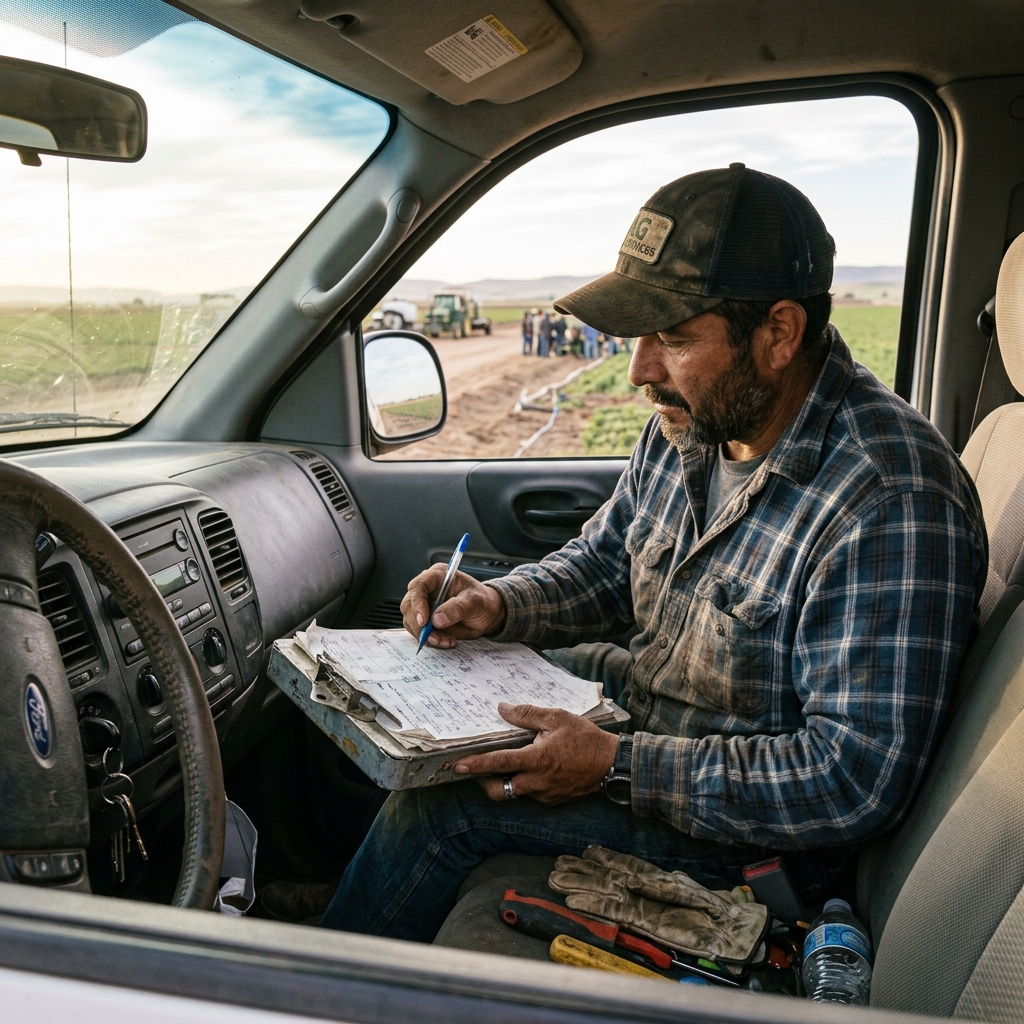

Table of Contents
Transitioning from Paper to Mobile Devices
Replacing clipboards with a digital **mobile-form** ensures that safety checks, site inspections, and billing sheets are submitted legibly and on time. Technicians carrying paper forms often lose sheets or write illegibly, leading to client billing disputes.
Watch: Uncle Steve Explains
Learn how modern, connected mobile workflows eliminate handwriting errors and administrative double-entry.
Read Video Transcript▼
Great Day! Uncle Steve here, and if you want to ditch the paper clipboards, digitizing your daily work orders with a mobile form is the ultimate solution. Illegible notes and lost forms lead to billing disputes and lost margin.
Simply Mobility allows you to create checklists, safety audits, and timesheets, deploying them to technician devices in minutes.
Never chase paper forms again. Share your template and let us build a working mobile prototype for your team today for free.
The Danger of Illegible Field Handwriting
Simply Mobility lets managers design and deploy custom forms in minutes. Field crews complete tasks, attach photos, and capture client signatures on their phones, archiving the PDF record automatically.
Deploying Dynamic Forms in Minutes
For businesses looking to scale operations, standardizing mobile form workflows is crucial. Digitizing these checklists into your daily schedule reduces data entry delays, prevents administrative bottlenecks, and ensures compliance audits are flawless. Shifting from paper clipboards to a mobile app provides operators with full visibility.
Implementing a connected system is crucial for service businesses. For related workflows, check our operations solutions on manual clipboard forms and Device Magic mobile form templates.
Customer Success Story
"Our technicians stopped losing work orders. They fill out checklists on their tablets and capture signatures on-screen, sending reports instantly."
— Douglas Ross, Operations Coordinator at SCS HVAC Group
Ready to Go Paperless?
Eliminate manual forms, secure your customer records, and automate your field workflows today.
Request a Free Custom Workflow PrototypeFrequently Asked Questions
What is a mobile form?
It is a digital version of a paper document, running on a mobile client, designed to capture signatures, photo attachments, and database logs.
Can I customize the PDF output?
Yes. You can design the output layout with your logo, brand colors, and layout structure, creating professional documents automatically.
Published by Uncle Steve, Field Operations Consultant at Simply Connected Systems.
We Will Build Your Connected Workflow Prototype For Free
Describe your biggest workflow bottleneck or upload your messiest form. We will build a functional, connected mobile app and dashboard prototype so you can experience it live before you spend a single dollar.