Consent and Compliance: The Digital Release Form Guide
Secure media permissions on site. Learn how a mobile release form protects your business and streamlines client sign-offs.
BLUF (Bottom Line Up Front): Securing media and liability permission using a digital **release form** protects your business and lets you capture verifiable proof of completed jobs for marketing. Carrying paper sheets to sites is a hassle, and they are easily misplaced before they ever get filed in the office.
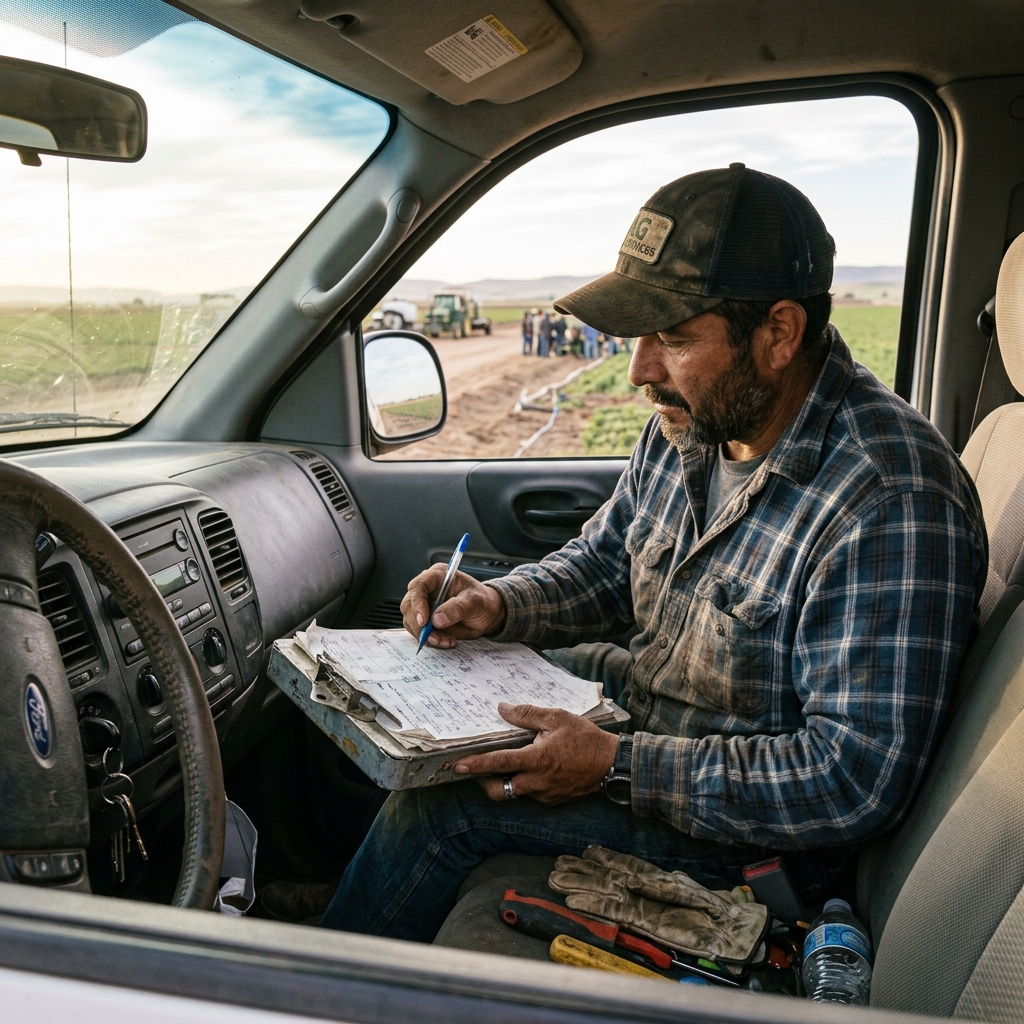
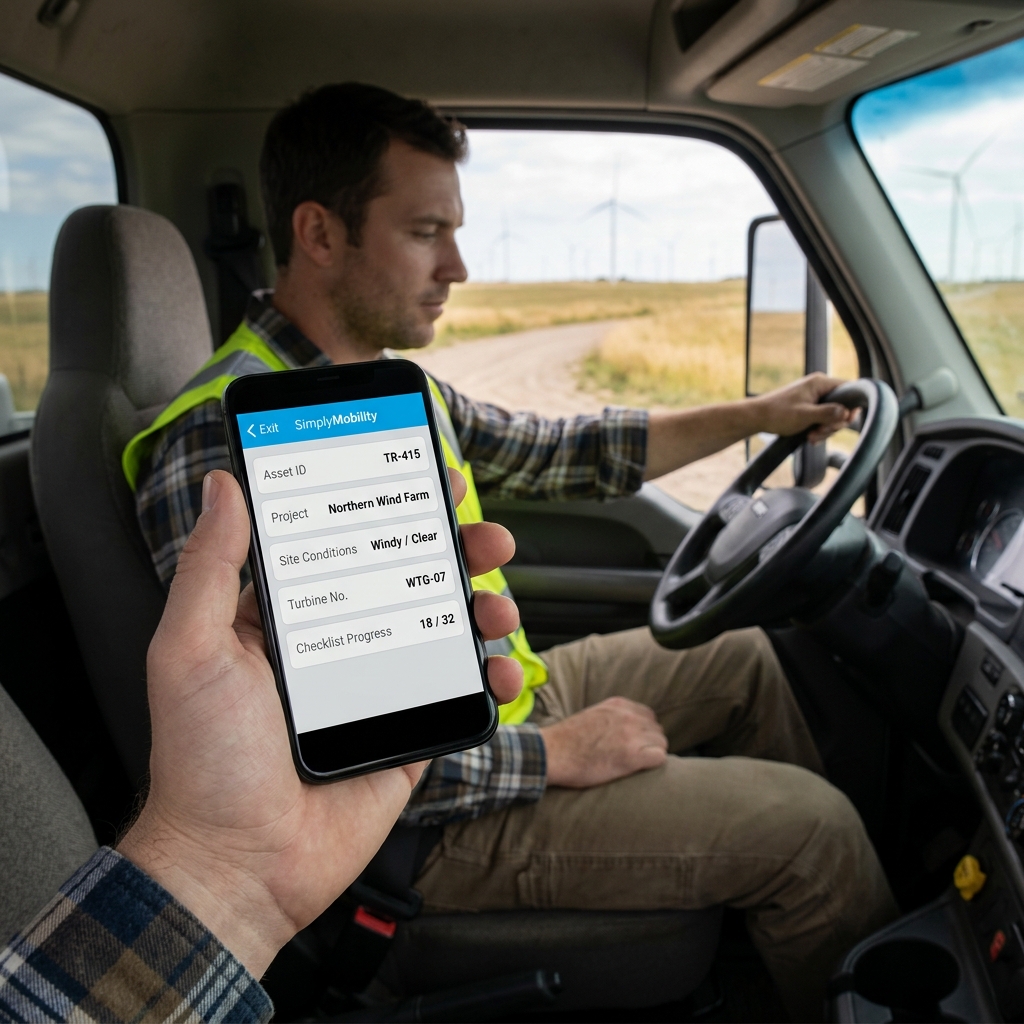
Table of Contents
Why Photo Consent is Critical
Securing media and liability permission using a digital **release form** protects your business and lets you capture verifiable proof of completed jobs for marketing. Carrying paper sheets to sites is a hassle, and they are easily misplaced before they ever get filed in the office.
Watch: Uncle Steve Explains
Learn how modern, connected mobile workflows eliminate handwriting errors and administrative double-entry.
Read Video Transcript▼
Great Day! Uncle Steve here, and if you want to secure permission for media usage or liability, digitizing your release form is the ultimate solution. Carrying paper sheets to sites is a hassle, and they are easily misplaced before they ever get filed in the office.
Simply Mobility puts your release form directly on your technicians' phones. They can take photos of completed work, present the release form on-screen, and capture the customer's signature in seconds.
Secure liability releases and media permissions instantly. Let us build a custom mobile prototype of your form for free.
Capturing Client Signatures on Site
Simply Mobility puts your release form directly on your technicians' phones. They can take photos of completed work, present the release form on-screen, and capture the customer's signature in seconds, saving the record to their profile.
Connecting Media Records to the Office
For operations looking to scale, standardizing release form workflows is the key. Integrating these checks into your daily field schedules reduces manual entry times, eliminates admin bottlenecks, and keeps your safety files audit-ready. The transition from paper clipboards to a mobile app provides project managers with complete visibility.
Implementing a connected system is crucial for service businesses. For related workflows, check our operations solutions on client records storage and social media consent forms.
Customer Success Story
"We compile before-and-after photos for our marketing daily. Having clients sign the release form on our phones has made the process completely painless."
— Gary Stone, Owner at Stone Landscaping
Ready to Go Paperless?
Eliminate manual forms, secure your customer records, and automate your field workflows today.
Request a Free Custom Workflow PrototypeFrequently Asked Questions
What is a digital photo release form?
It is an agreement where a client grants permission to a service provider to use photos of their property or project for marketing and quality audits.
Can a release form include multiple photos?
Yes. The app allows technicians to attach multiple high-resolution photos directly to the signed release document.
Published by Uncle Steve, Field Operations Consultant at Simply Connected Systems.
We Will Build Your Connected Workflow Prototype For Free
Describe your biggest workflow bottleneck or upload your messiest form. We will build a functional, connected mobile app and dashboard prototype so you can experience it live before you spend a single dollar.