Field Data Collection | Simply Connected Systems
Optimize field data collection to secure 100% accuracy in remote jobs and stop duplicate entry. Try a free workflow automation prototype today.
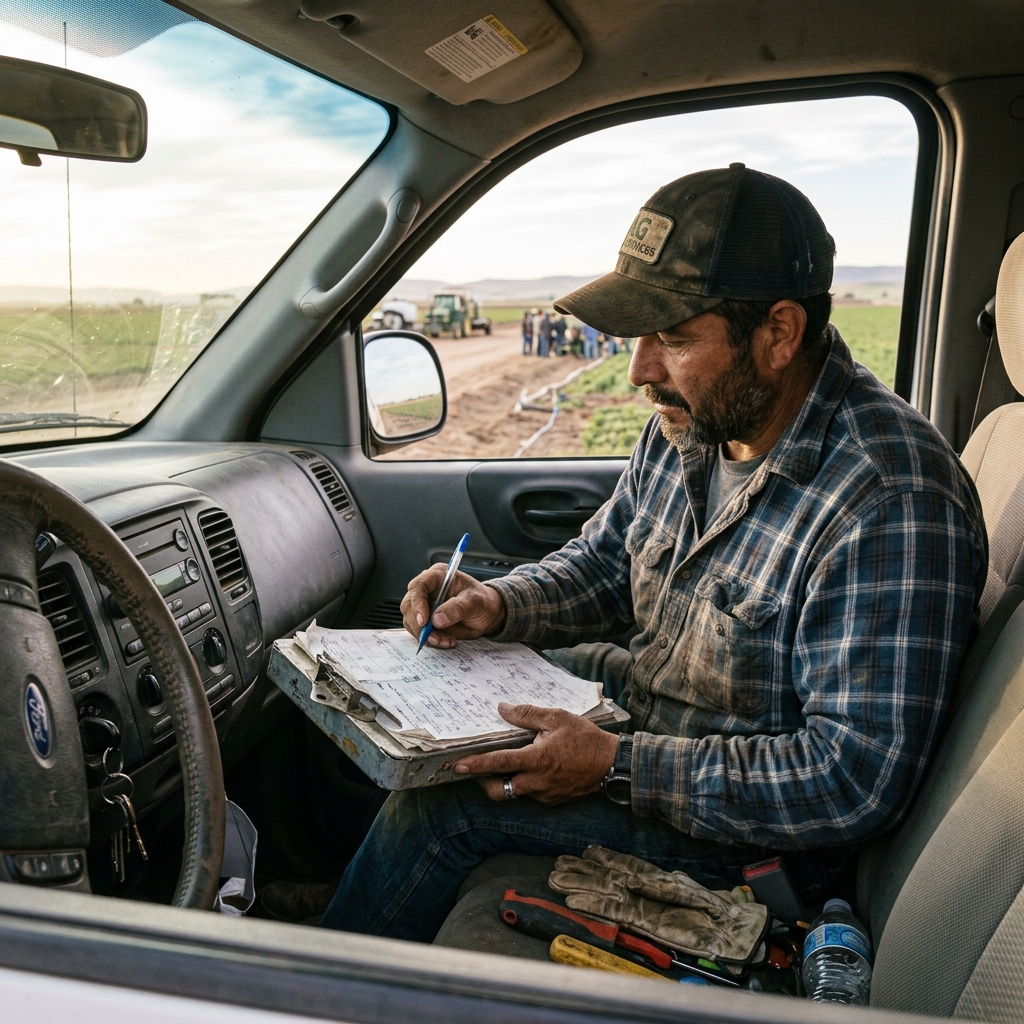
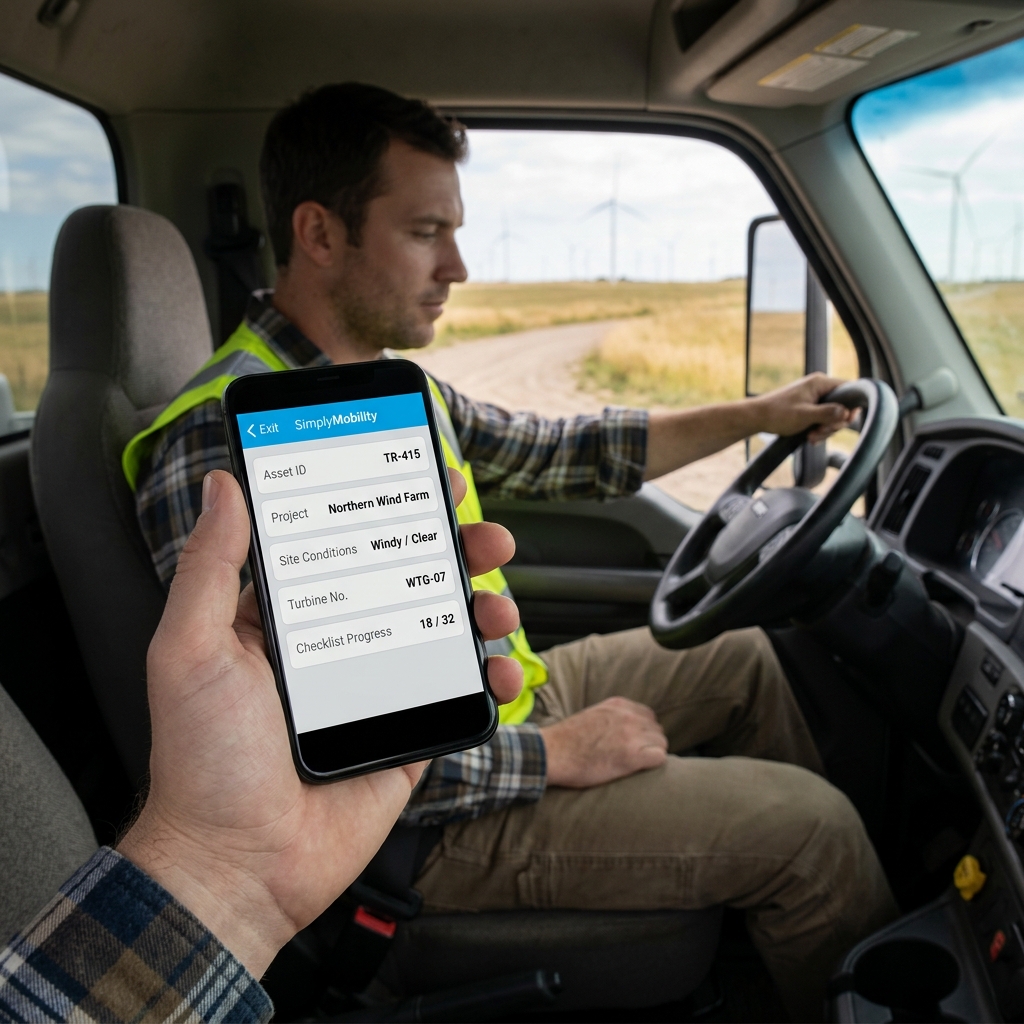
Optimizing your field data collection processes is the primary method for remote service businesses to secure 100% data accuracy and eliminate duplicate administrative entry.
Many businesses collect field data on paper checklists or spreadsheet forms. While this might seem simple, it creates manual bottlenecks. Administrative staff must spend their afternoons transcribing hand-written notes, downloading text photo attachments, and rekeying details into central databases. This double entry delays invoicing and increases error rates.
The Operational Pain of Disconnected Data Collection
Disconnected data collection introduces friction. When details sit in field clipboards, management lacks visibility, safety reports are delayed, and invoicing lags behind. Moving away from manual processes ensures that details are logged instantly, and safety audits are completed on-site.
"When data is captured cleanly at the point of origin, administrative overhead drops and billing accuracy increases."
Watch: Uncle Steve Explains
Learn how modern, connected mobile workflows eliminate handwriting errors and administrative double-entry.
Read Video Transcript▼
Great Day! Uncle Steve here, and if you want to streamline field operations and get paid faster, implementing field data collection is the ultimate solution. Let me ask you something. How many hours a week does someone in your office spend typing data into a computer that was already written down on paper in the field? I'm talking about work orders, inspection forms, equipment serial numbers — your tech already captured it once, and now somebody's entering it again. That's rekeying. And it's one of the biggest hidden costs in field service.
It causes errors, it delays invoicing, and it burns hours you could spend on billable work.
Simply Connected Systems eliminates rekeying. Your crew captures the data once — on their phone, on a tablet, even on paper — and it flows into your office system automatically. No double entry. No Friday night data entry sessions. Fill out the form below and show us one workflow where data gets entered twice. We'll show you how to stop it.
Comparing Manual Entry vs. Automated Mobile Synchronization
Automated synchronization ensures that the moment a technician taps "Submit," the data is parsed and distributed to relevant tables automatically. Office teams no longer need to spend hours copying notes or matching photos to client accounts. This workflow reduces administrative overhead and speeds up billing cycles.
Best Practices for Standardizing Business Data Collection
To implement an effective mobile data collection process:
- Offline Support: Ensure technicians can collect telemetry and client details without internet coverage.
- Mandatory Photo Fields: Force photo capture of completed work to verify job quality and resolve disputes.
- Signature Capture: Require a digital sign-off from clients on-site to confirm job completion.
Building a Frictionless Workflow with Simply Connected Systems
Simply Connected Systems integrates field data capture with your core databases. By standardizing digital templates, we ensure that your team gets clean, actionable data from the field without double entry.
Read about our paperless safety audit solutions and paperless office solutions to transform your operations.
We Will Build Your Connected Workflow Prototype For Free
Describe your biggest workflow bottleneck or upload your messiest form. We will build a functional, connected mobile app and dashboard prototype so you can experience it live before you spend a single dollar.