Complete Guide to Double Entry Accounting & Field Workflows
Discover double entry bookkeeping examples and master double entry accounting. Stop rekeying ledger sheets with a free custom workflow prototype.
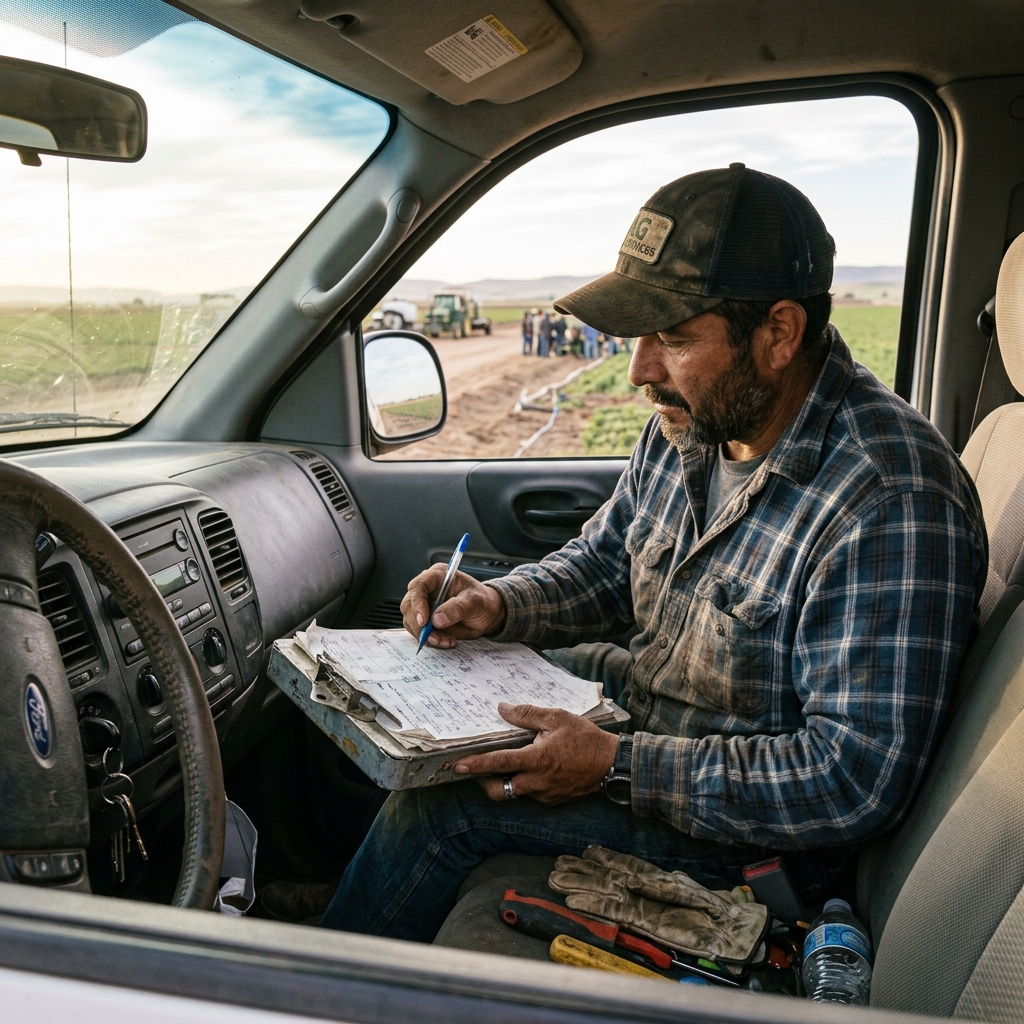
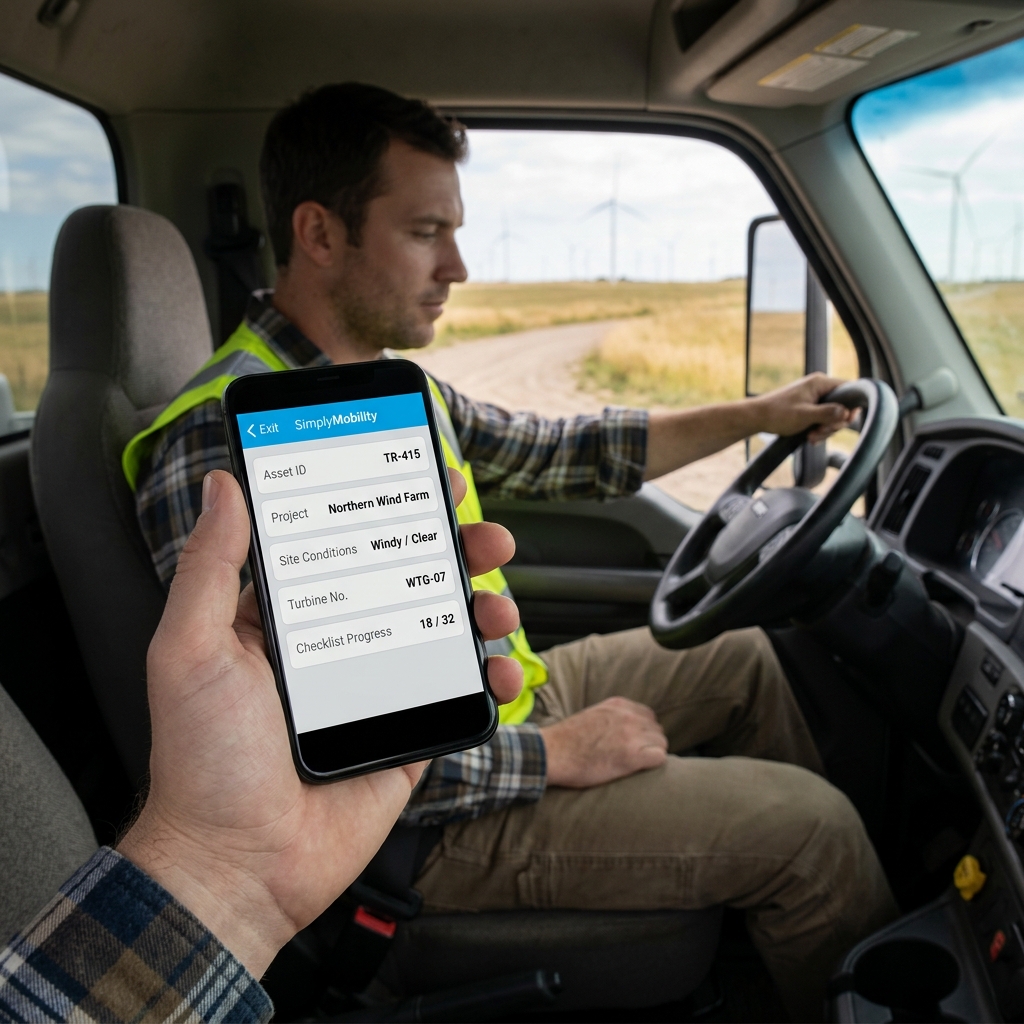
Transitioning your field records to a modern double entry bookkeeping setup is vital for commercial visibility, but copy-pasting numbers from paper to digital databases is a massive waste of time.
Running a trade business requires precise financial tracking. Techs do the work, write down the hours, and list the parts. But if your office team is still manually typing those details from a paper ledger sheet into your double entry accounting system, you have an administrative bottleneck. This double entry delays invoice cycles and leaves room for transcription errors.
Understanding Double Entry Accounting in Field Operations
In a standard double entry setup, every business transaction must balance. When a job is completed, it creates an account receivable and reduces inventory. If you rely on technicians writing this data on clipboards, the office staff must manually audit and rekey everything. This manual accounting double entry process is slow. Automating the flow from mobile client submission directly into your general ledger ensures complete billing accuracy.
"Your general ledger should compile automatically. Retyping field details into your accounting system is a profit drain."
Practical Double Entry Bookkeeping Examples
Consider how data flows in an optimized, paperless trade business:
- Service Completed: A plumbing technician replaces a water heater and logs parts on his phone.
- Inventory Update: The mobile client automatically updates parts inventory, crediting asset tables.
- Billing Generation: An invoice is built instantly in QuickBooks, debiting accounts receivable.
This connected handoff cuts out manual data entry, eliminating errors and getting you paid faster.
Eliminate Paper Ledger Sheets for Good
Simply Connected Systems replaces manual administration with automated workflows. We build custom mobile applications that connect your field technicians directly to your back-office systems. We don't ask you to buy promises—we will build a working prototype of your actual form or dispatch workflow for free so you can see your data flow automatically.
Learn more by reading our guides on double entry systems, manual data entry, and preventing data entry errors, or refer to the Investopedia double entry definition and QuickBooks platform.
We Will Build Your Connected Workflow Prototype For Free
Describe your biggest workflow bottleneck or upload your messiest form. We will build a functional, connected mobile app and dashboard prototype so you can experience it live before you spend a single dollar.