Data Entry Automation Guide | Simply Connected Systems
Learn how to automate data entry with our automatic data entry guide. Eliminate excel data entry automation lag with a free custom prototype.
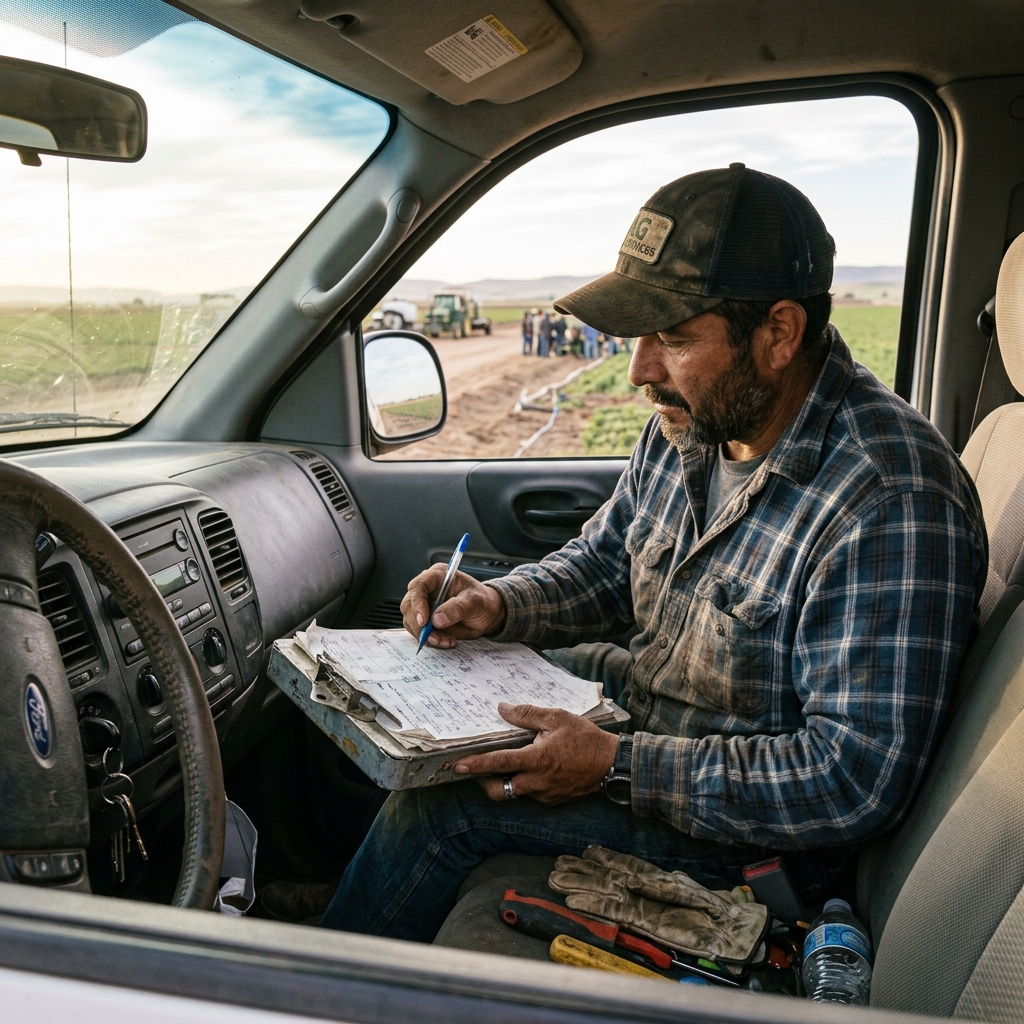
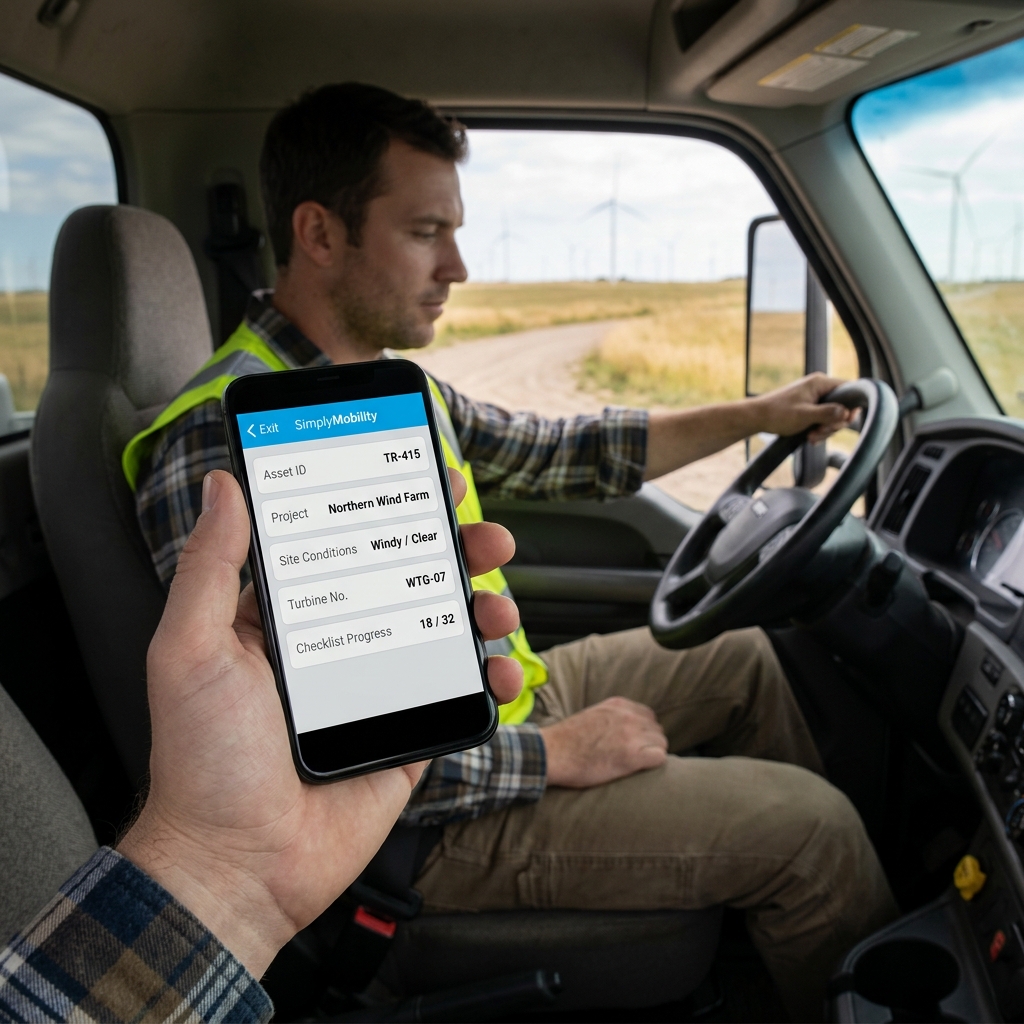
Deploying a system for data entry automation is essential for remote field crews looking to streamline operations and eliminate administrative lag.
Many businesses still rely on manual data transfer, requiring administrative staff to copy timesheets and job logs from emails or paper checksheets. This manual workflow creates massive bottlenecks. Shifting to an automated data entry model ensures that field details populate scheduling boards and accounting platforms instantly without duplicate entry.
Implementing Automated Data Flow in Field Operations
True automation means moving beyond static PDFs. Capturing data digitally on a mobile client is only the first step. If someone in the office still has to read that PDF and manually type the details into QuickBooks, your workflow is broken. In a connected system, completing a field task triggers automated data entry, transferring the parts, hours, and signatures directly into your billing tables without human intervention.
"The form is not the solution. The connected workflow is. Capture data once, and let it flow."
Watch: Uncle Steve Explains
Learn how modern, connected mobile workflows eliminate handwriting errors and administrative double-entry.
Read Video Transcript▼
Great Day! Uncle Steve here, and if you want to eliminate administrative bottlenecks and stop office double-entry, implementing a data entry automation is the ultimate solution. Let me ask you something. How many hours a week does someone in your office spend typing data into a computer that was already written down on paper in the field? I'm talking about work orders, inspection forms, equipment serial numbers — your tech already captured it once, and now somebody's entering it again. That's rekeying. And it's one of the biggest hidden costs in field service.
It causes errors, it delays invoicing, and it burns hours you could spend on billable work.
Simply Connected Systems eliminates rekeying. Your crew captures the data once — on their phone, on a tablet, even on paper — and it flows into your office system automatically. No double entry. No Friday night data entry sessions. Fill out the form below and show us one workflow where data gets entered twice. We'll show you how to stop it.
How to Automate Data Entry and Eliminate Excel Lag
To establish a clean, automatic data entry workflow, follow these steps:
- Mobile Capture: Techs record job data on tablets or phones on-site.
- Validation Rules: Verify that readings and serial numbers are format-compliant before submission.
- System Integration: Connect your mobile tools directly to your databases, avoiding excel data entry automation workarounds.
This automated synchronization cuts out manual copying and keeps your billing cycle running smoothly.
Connected Workflow Prototypes with Simply Connected Systems
Simply Connected Systems turns manual administration into automated workflows. We build custom mobile applications that integrate your field technicians directly with your core back-office databases. We never sell promises—show us your current form, and we will build a working mobile prototype of your actual workflow for free so you can see it run before you spend a dime.
For more guides, check out our articles on manual data entry, double entry systems, and preventing data entry errors, or refer to the business process automation guide and Zapier integration platform.
We Will Build Your Connected Workflow Prototype For Free
Describe your biggest workflow bottleneck or upload your messiest form. We will build a functional, connected mobile app and dashboard prototype so you can experience it live before you spend a single dollar.