How to Collect Field Data Without Internet | Simply Connected Systems
Learn how to collect field data without internet using offline mobile caching and auto-syncing forms. Request a free working mobile prototype today.
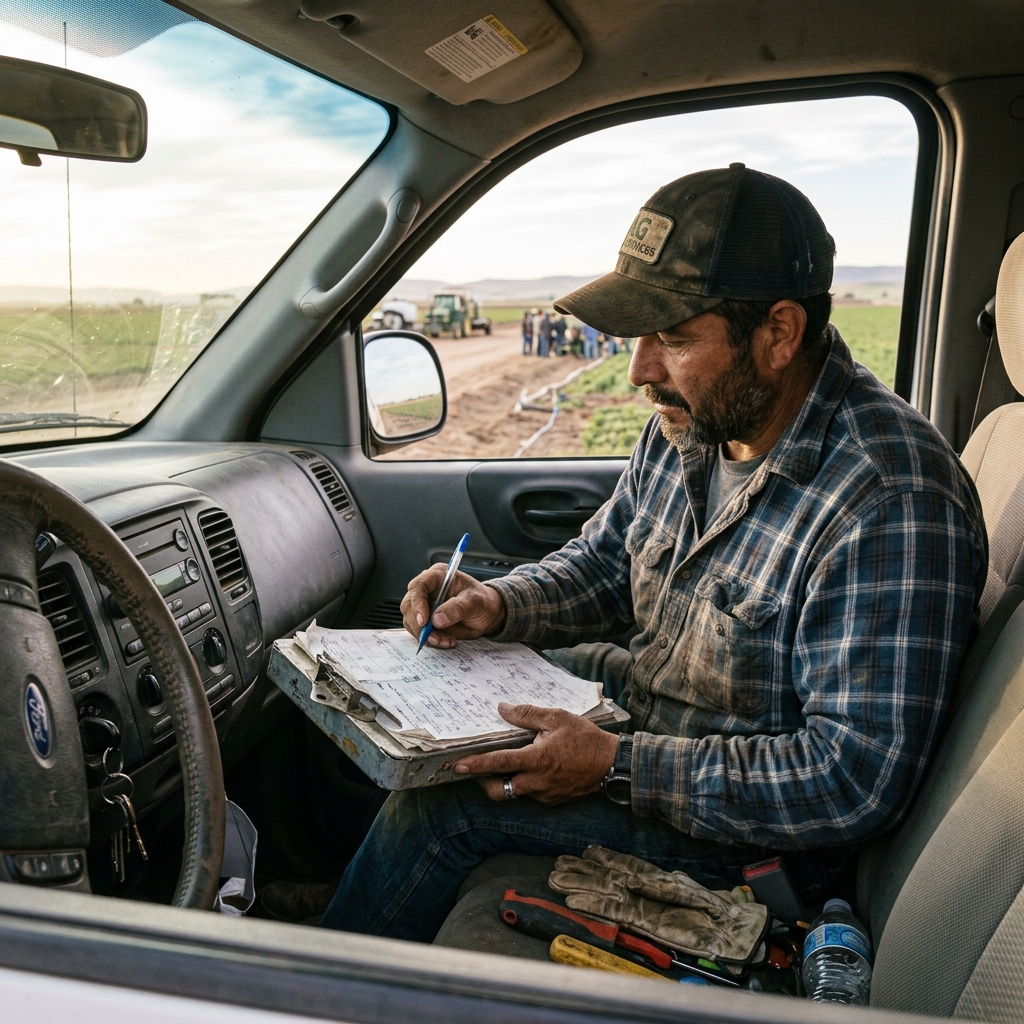
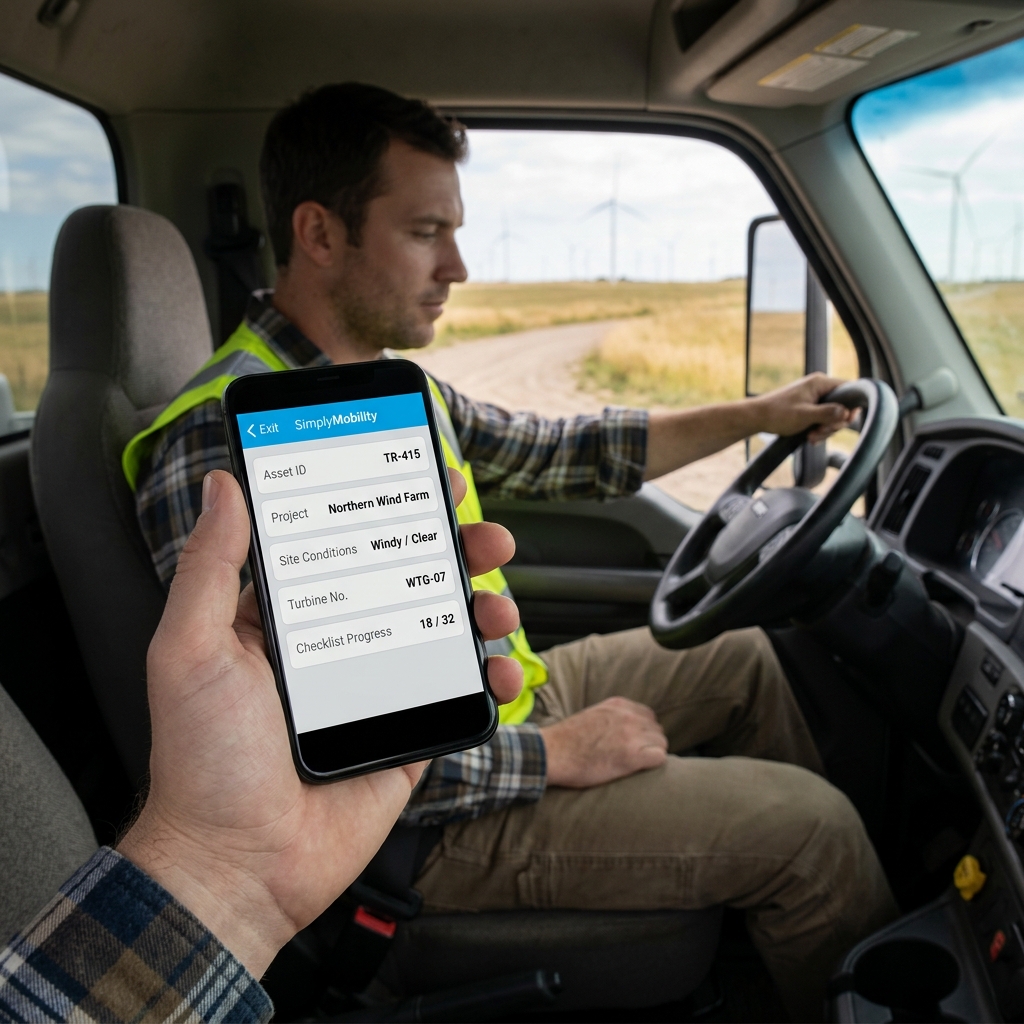
Deploying offline-ready workflows is essential to learn how to collect field data without internet access during remote operations.
Field technicians work in basements, rural sites, and network dead zones where cellular signal is non-existent. If your mobile forms require a constant database connection, technicians will revert to using paper clipboards. This shifts the admin burden back to the office, where staff must manually copy paper notes and enter details twice.
The Myth of Constant Connectivity
Relying on live cloud systems in remote areas leads to data loss and operational delay. True field data collection requires a local database cache on the mobile client. Technicians must be able to lookup equipment histories, record job notes, and capture customer approvals offline without losing their progress, then sync directly to your office scheduling and QuickBooks integration once reconnected.
"If your field app doesn't work offline, your crew will go back to paper. The day is work; the evening is paperwork. Fix that."
Watch: Uncle Steve Explains
Learn how modern, connected mobile workflows eliminate handwriting errors and administrative double-entry.
Read Video Transcript▼
Great Day! Uncle Steve here, and if you want to streamline field operations and get paid faster, implementing collect field data without internet is the ultimate solution. When your technicians are working in a basement, a remote field, or a concrete structure, cell signal is non-existent. If your mobile forms require an active internet connection to save data, your techs are going to look for paper clipboards again. And that means office staff have to enter the data twice.
Simply Connected Systems builds offline-first field data collection tools. Technicians look up history, record tasks, and capture signatures offline. The moment they get back in range, everything syncs automatically.
Show us your manual forms. We'll build a custom mobile prototype that works offline for free.
How to Collect Field Data Without Internet
A reliable remote data capture workflow utilizes three offline capabilities:
- Local Storage: Save completed forms and media assets directly to the device memory.
- Automatic Syncing: Store records in an offline queue that automatically uploads when a network connection is restored.
- Cached Lookup: Store equipment manuals and historical job data on the device so crews can access info offline.
Ensuring Safety Audits in Dead Zones
Remote jobsites often present the highest safety risks. Whether your crew is servicing a tower on a mountain ridge or inspecting a water main underground, they must log safety protocols. An offline-capable system means crews can complete safety checklists and capture hazard photos even when they have zero bars of signal. Compliance is validated locally, protecting your team and your business.
Eliminating Double Entry in Remote Locations
Simply Connected Systems builds custom offline workflows powered by the Simply Mobility engine. Show us your remote inspection sheet, and we will design a live mobile prototype for free. We do not sell promises; we provide working prototypes so you can experience connected workflows firsthand.
We Will Build Your Connected Workflow Prototype For Free
Describe your biggest workflow bottleneck or upload your messiest form. We will build a functional, connected mobile app and dashboard prototype so you can experience it live before you spend a single dollar.