Best Software to Create Forms for Field Service Operations | Simply Connected Systems
Discover the best software to create forms for field operations. Compare enterprise form builder features, offline capabilities, and connected workflows.
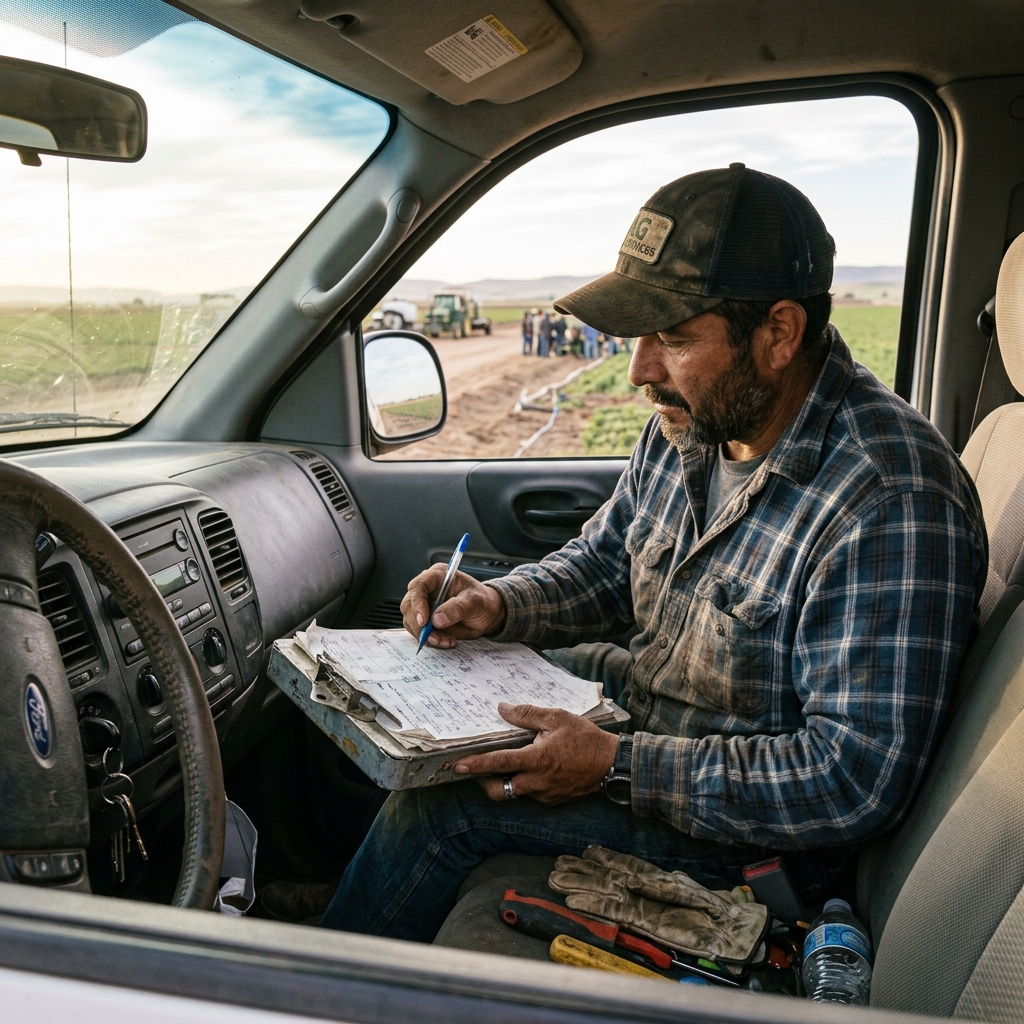
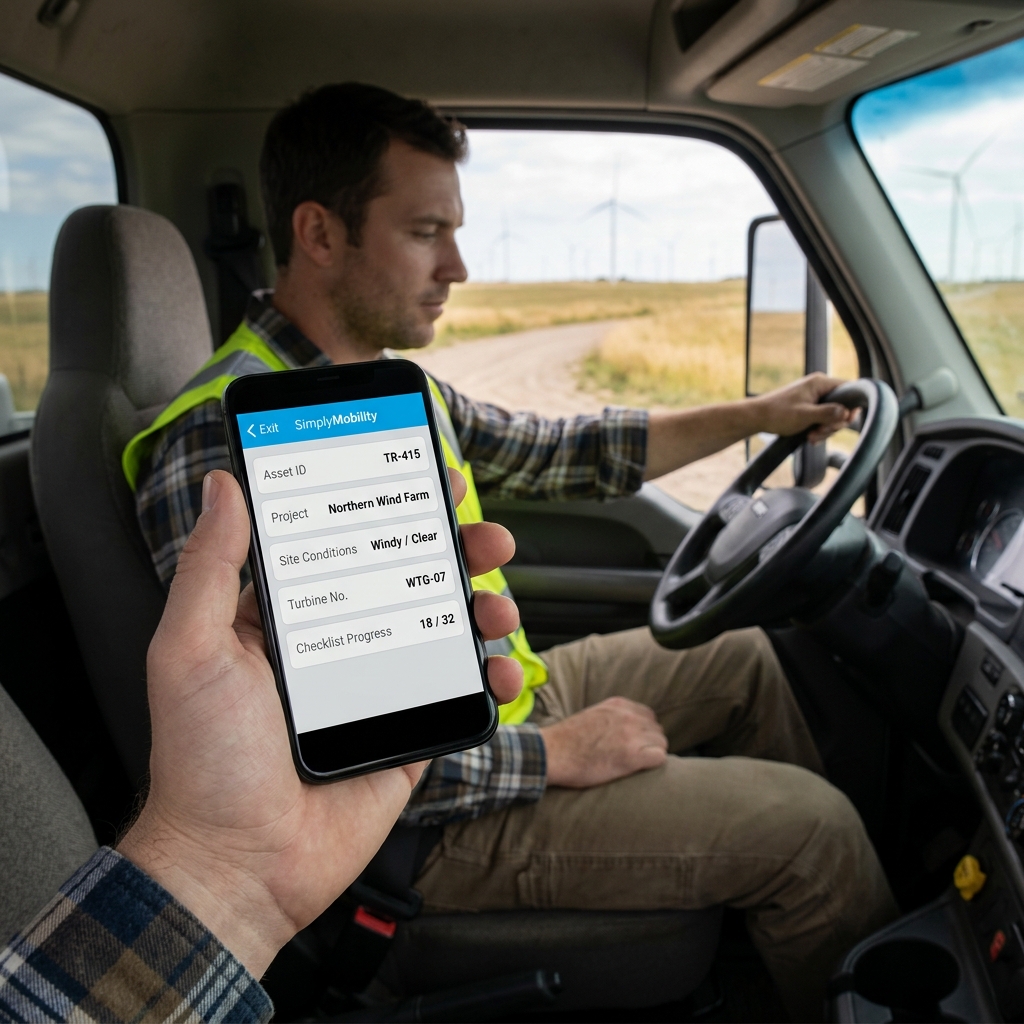
Finding the best software to create forms for field service operations is not just about building pretty digital checklists — it is about establishing connected workflows that feed data directly from your technicians' mobile clients to your office dispatch and database systems.
Many general-purpose form builders are designed for online customer surveys or internal HR requests. They perform poorly in rugged field service environments where network coverage is spotty, complex asset data must be referenced, and safety sign-offs require photo validation. Choosing the right mobile forms app means ensuring it is purpose-built for technicians in the field.
Why Generic Form Software Fails Field Operations
Standard online form tools are not built to withstand the demands of heavy operations. According to industry compliance standards like OSHA safety audits, every inspection record must have reliable timestamps, clear photo attachments, and signature capture. When field service teams use basic online forms, they face lost forms, manual rekeying errors, and office admin bottlenecks that delay client billing.
"We are not a forms company. We are a connected workflow company. The form is not the solution. The connected workflow is."
Watch: Uncle Steve Explains
Learn how modern, connected mobile workflows eliminate handwriting errors and administrative double-entry.
Read Video Transcript▼
Great Day! Uncle Steve here, and if you want to build smart mobile forms, finding the best software to create forms is the key. Are you looking for a simple way to create electronic forms for your business? It seems like everything in field service is a form—from tracking gate keys and clocking in/out, to capturing expense receipts on the road.
Simply Connected Systems gives you a flexible, drag-and-drop form builder built specifically for field service. You can digitize vehicle checklists, tool sign-outs, or receipt captures in minutes without any coding.
Stop using rigid PDF builders and start creating smart, connected field forms for free.
Key Capabilities of Enterprise Mobile Form Builders
If you are looking for the best form builder software for your crew, prioritize these essential features:
- Offline Mode: Technicians must be able to fill out inspections and work logs in basements or remote locations without internet access.
- Asset References: Pre-populate form fields by scanning a barcode on a generator, boiler, or vehicle.
- Connected Workflows: Route completed forms automatically to accounting systems, customer databases, and dispatch boards.
The Power of Offline Forms for Remote Teams
A professional digital form creator must work reliably in remote locations. Simply Mobility allows field crews to fill out customizable forms, scan assets, and take progress photos offline. Once connection is restored, the mobile client syncs the data back to the office SQL tables, eliminating double-entry and manual transcription errors.
Our Free Mobile Form Prototype Offer
Simply Connected Systems specializes in building customized forms connected directly to your office systems. Send us one of your paper forms today, and we will build a functional mobile prototype for free. See the power of connected field service workflows live before spending a single dollar.
We Will Build Your Connected Workflow Prototype For Free
Describe your biggest workflow bottleneck or upload your messiest form. We will build a functional, connected mobile app and dashboard prototype so you can experience it live before you spend a single dollar.